Run the whole course from one screen.
“I’ve got four systems and none of them tell me the same thing.” What club managers tell us
Other golf software stops at the pro shop door. GolfOS keeps going: the tee sheet, the carts, the pace, the turf and the crew, in one system that agrees with itself.
30 to 40 minutes, online or at your course. We tailor it to how you run the place.
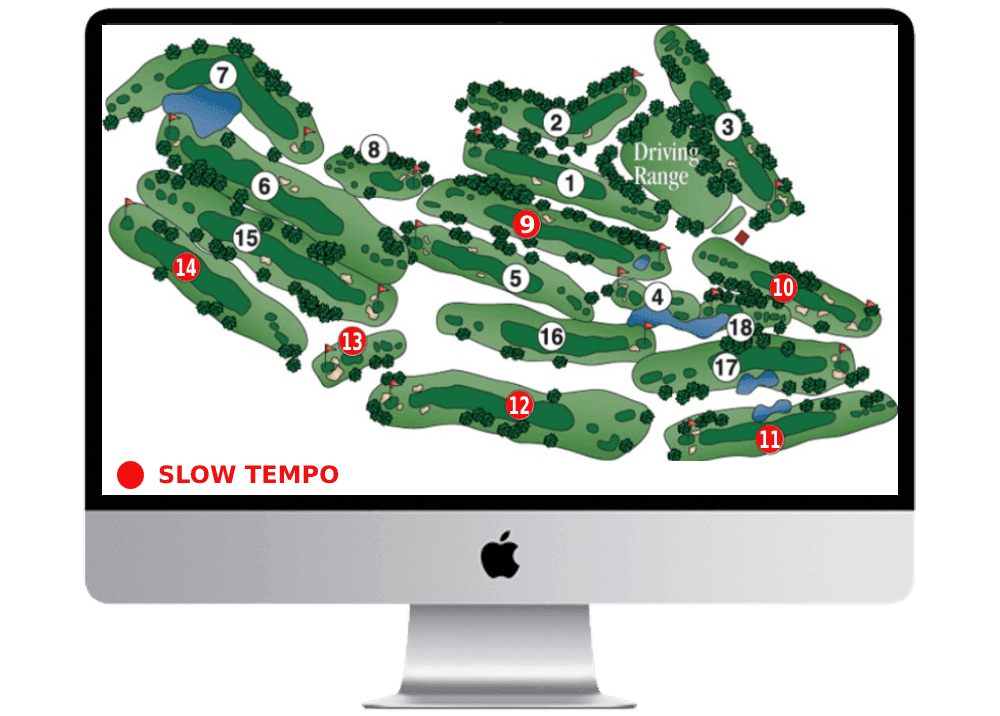
Backup forming behind the 11:00 flight
Group is 17 minutes over and two groups are now stacking on H6. Send the ranger to H6 rather than H4 and the sheet recovers by 12:20 without holding anybody on the tee.
Portal with limited data view.
Four vendors, four versions of the truth
Most courses buy a booking system from one company, cart tracking from another and greenkeeping from a third. None of them share data, so the one place they all come together is somebody’s head, usually at the worst possible moment.
How most courses run today
- Booking in one system, carts in another, greens on paper
- Nobody knows where the carts are
- Slow play is spotted once members complain
- Coordination runs on radios, spreadsheets and shouting
- Nobody has prompt and clear overview of all activities at once
How it runs on GolfOS
- One tee sheet, one fleet view, one task board, one set of numbers
- Every cart on the map, live, with battery and zone alerts
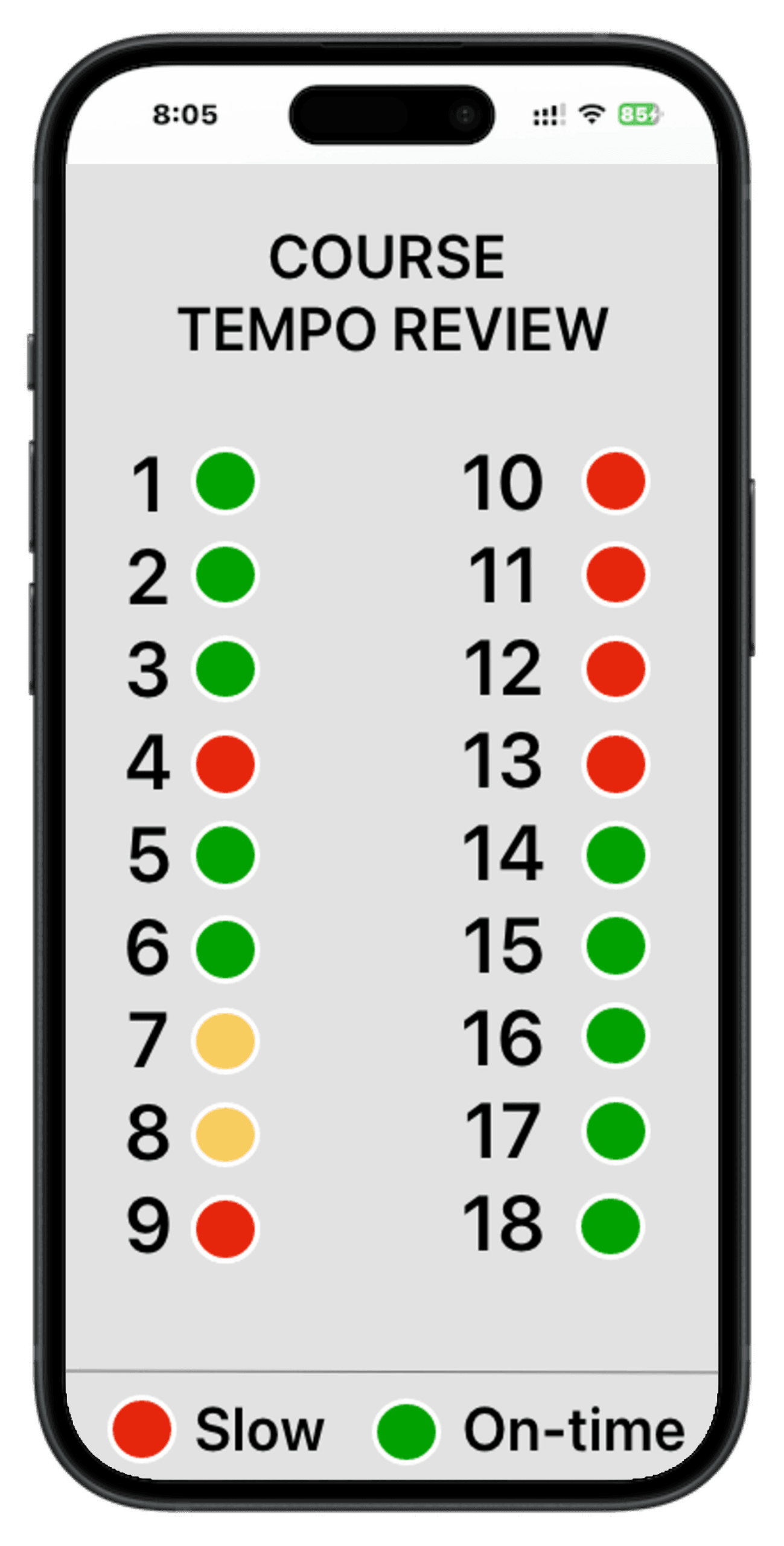
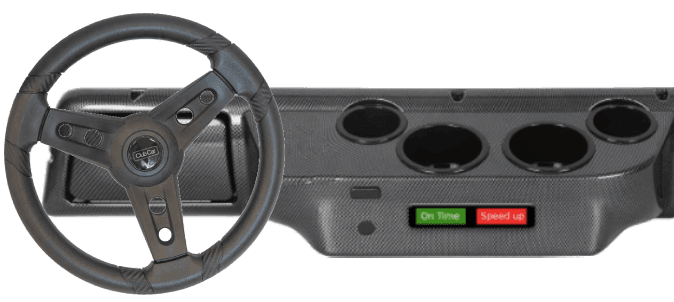
- Slow groups flagged while there is still time to fix it
- Tasks and instructions go out with the person
- AI layer is monitoring of ALL data at once 365/24/7 - predicting, alerting and acting when allowed
Most golf software stops at the pro shop door
Nearly every golf platform calls itself all-in-one, and inside the pro shop most of them are. Tee sheet, till, memberships, food and drink. Then the counter ends and so does the software.
What happens on the course itself gets bought separately, usually from a hardware company: cart tracking from one, pace monitoring from another, greenkeeping from a third, tournaments from a fourth. That seam is why your systems disagree with each other, and it is the reason GolfOS exists.
Front of house
Bookings, tee sheet, memberships, academy, events, sales, inventory.
Most suites cover this.
On the course
Cart fleet, pace of play, turf zones, greenkeeping tasks, crew coordination.
Almost nobody covers both this and the counter.
The players
Booking, scoring, GPS maps, ordering, access, events, tournaments, statistics,...
Usually a separate app again.
You don’t have to rip out your booking system
The system every course is most afraid to touch is usually the one they have had longest. So we don’t touch it. GolfOS connects to your existing booking system through its API and reads the same tee sheet your staff already work from.
You can also start with one part of the course, run it for a season alongside what you have, and only move the rest when your team asks to. That is genuinely how most courses should start.
Keep your tee sheet
We adopt your booking system through its API. Your staff carry on booking the way they do now.
Start with one thing
Carts and pace, or greenkeeping tasks. One area, one season, no commitment to the rest.
We set it up with you
We configure the course, load your holes, slots and prices, and train the crew on site. Not a login and a manual.
The system tells you what it noticed
Because everything runs in one place, GolfOS can see across the whole operation at once. It watches the tee sheet against the fleet against the crew roster against the weather, and it says something when the three of them stop adding up.
Front 9 cart shortage predicted
Demand at 14:15 is 7 carts against a supply of 3. Move 3 staged carts from the clubhouse and expedite one return from H18.
Crew slot available now
Marco is idle and H9 has a 22-minute clear window. Move the 9th green aeration forward from tomorrow and Thursday's +40 round spike keeps a full crew slot.
Two invoices worth checking
Invoice #4471 was booked to Thursday but the work order shows Monday, and #4483 duplicates a line already captured on 8 July.
Demonstration data from the GolfOS portal. Real figures depend on your course.
Three parts, one system
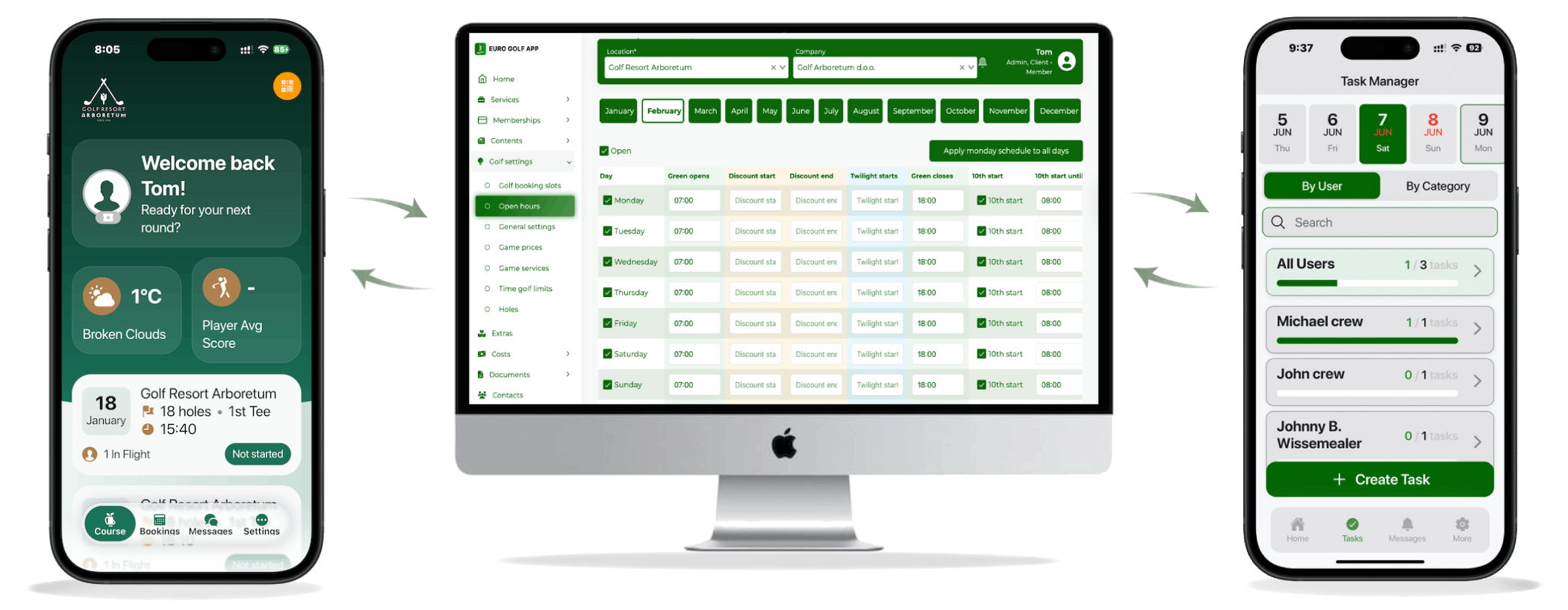
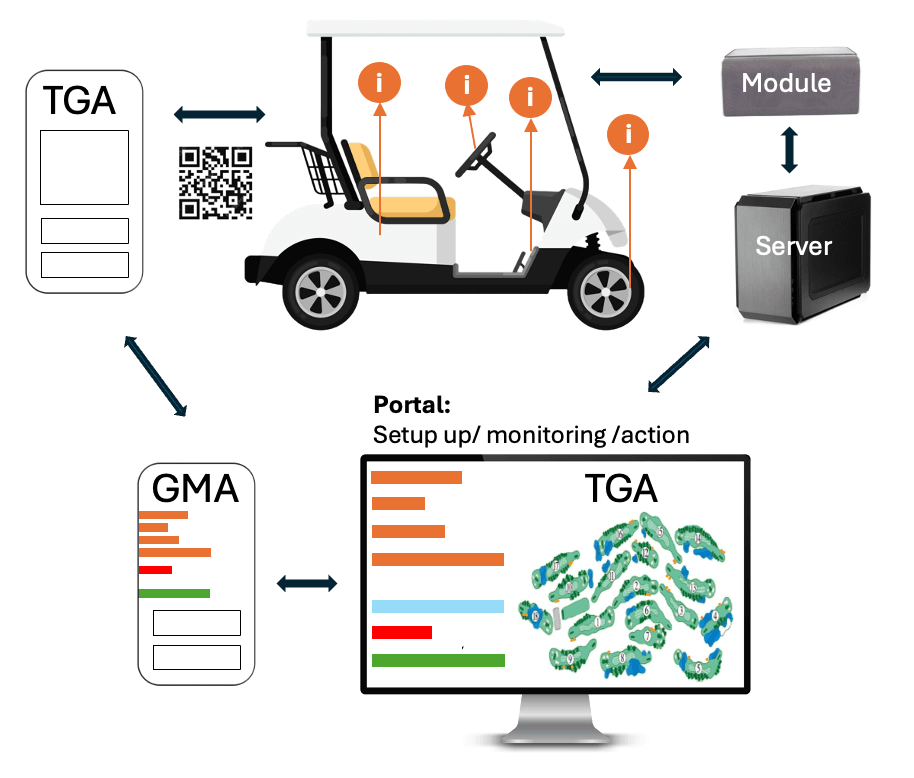
Players, crew and management each get the view that suits them. All three read and write to the same place, so there is nothing to reconcile at the end of the day.
The Golf App
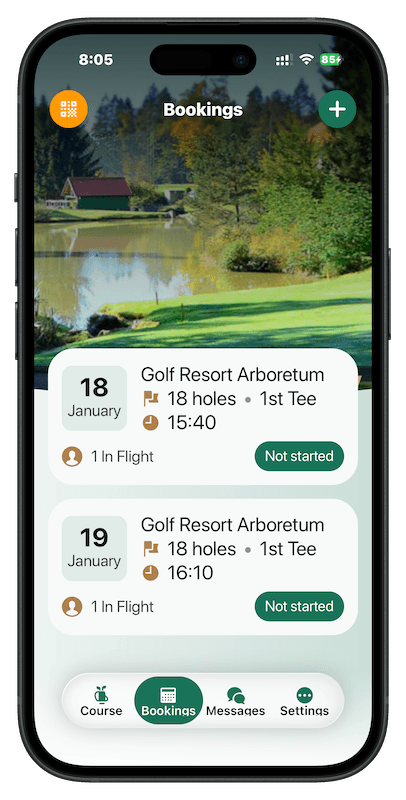
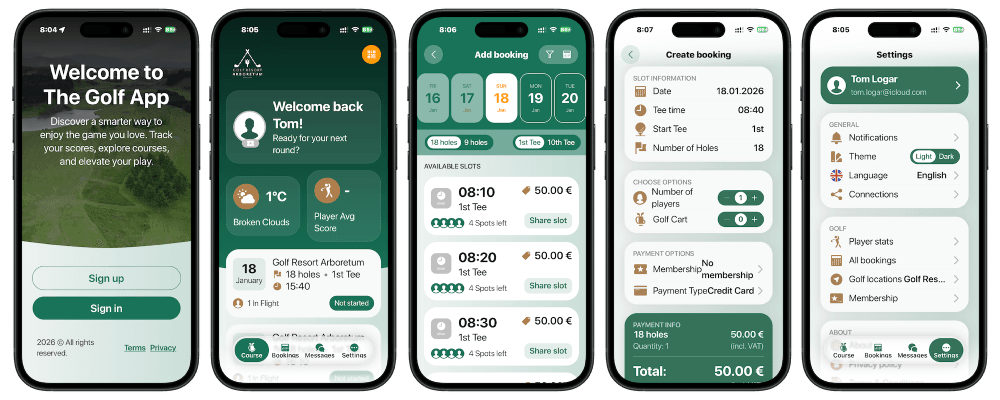
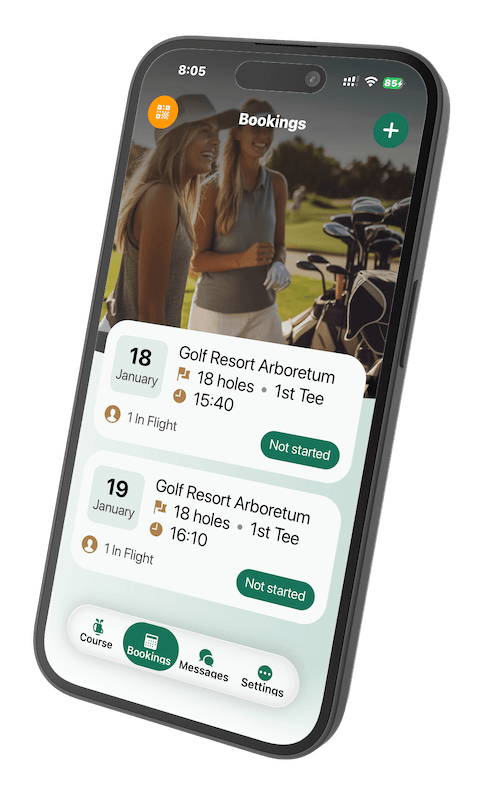
Tee times, flights, live scoring, GPS course maps, statistics, tournament sign-up, and QR access for carts, lockers and doors.
Every action a player takes lands in the operating system, so the course sees the round as it happens rather than after it.
The app your grounds crew will actually use
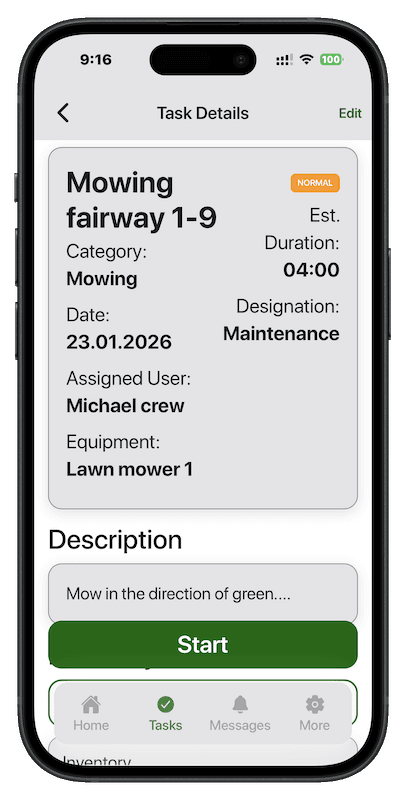
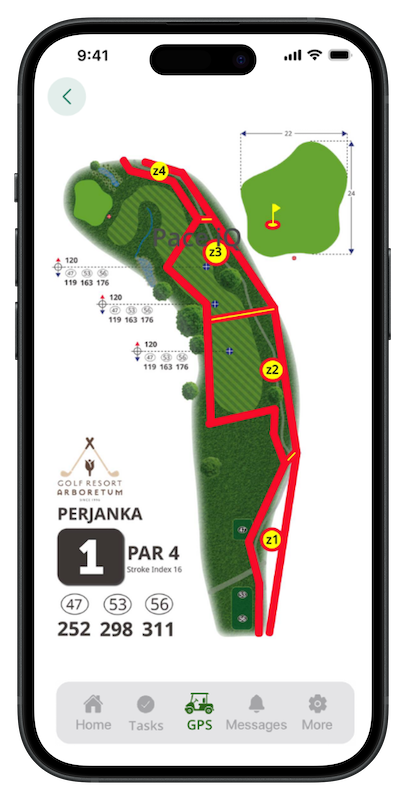
The course on a phone: live cart and player positions, pace zones, tasks with checklists, inventory, incidents and VIP arrivals. Built for people working outdoors with gloves on.
Every task carries a named person, the equipment, and a checklist of up to eighteen steps. Nothing goes out as "have a look at the 9th".
The operator portal
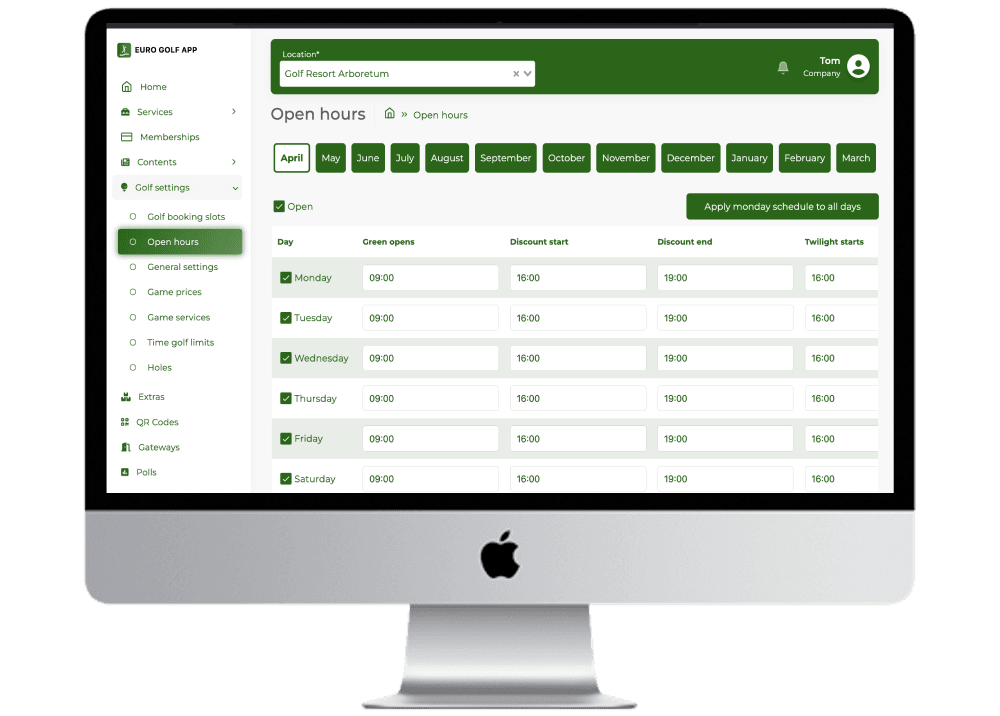
Where the course is actually run: tee sheet, fleet, greens, weather, revenue, members, pace, staff, academy, events, inventory and sales.
Twenty-five modules, one login, and the AI layer reading across all of them at once.
The same system, in two apps
News, events, tournaments, …
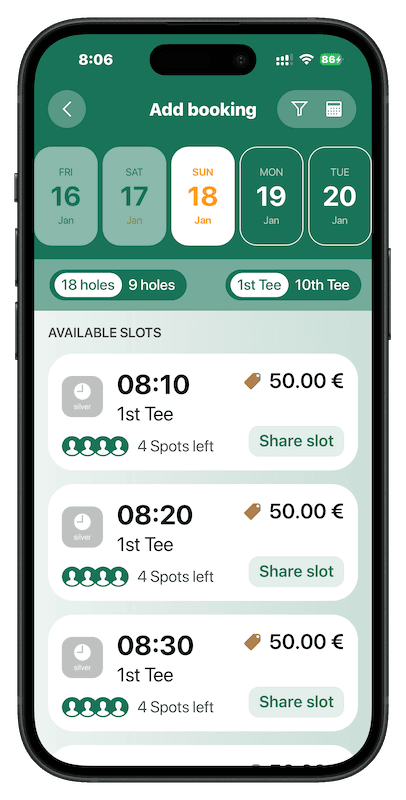
Booking, from the player side
Mapping, distance, scoring, …
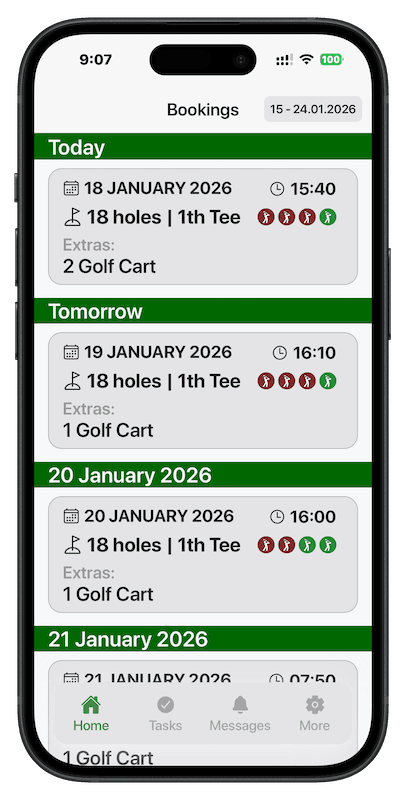
A task view (Crew app)
Dashboard prediction scenarios
Dashboard stats
The scorecard that never gets retyped
Every national golf association sits under the World Handicap Organization, and almost all of them still run tournaments on paper cards that somebody types up afterwards. It eats staff days and it puts errors into handicaps.
Plenty of tools will run your competition. What they cannot do is see that the tee sheet booked those players, that one group is nineteen minutes down, or that a cart is sitting on the wrong hole. In GolfOS the tournament is not a separate product bolted on beside the tee sheet. It is the same system.
Demonstration limited data.
Built at Golf Resort Arboretum, in daily use
The GolfOS was not designed on paper and sold afterwards. It was built on an 18-hole course near Ljubljana, with an academy, training rooms, a fully automated driving range, an event center, a restaurant, pro shop, and around 600 auto-georeferenced sprinklers (monitored via air, turf and in-ground and operated by GolfOS), and it has been running there every day since day one. Memberships, bookings, tee sheets, the crew tasks, and the checklists on the apps and television in the crew room are the real ones.
Arboretum is also our partner in the business, and its owner is an investor in ManagerApp. We would rather you hear that from us than find it out later. It also means the system was built by people who have to live with it the next morning, which is the best quality control we know of.
The GolfOS changed how we run Arboretum. The tee sheet, our members, tournament sign-ups and the greenkeepers' tasks all sit in one dashboard now. My staff has stopped losing hours to admin, and our players have noticed that booking got easier. Joc Pečečnik, owner, Golf Resort Arboretum
We used to work around the players by guesswork. Now I can see the live course activities in coordination with the day's tee sheet, so we time the mowing, spraying, and watering around the traffic instead of the other way round. Dariusz Gazdzinsk, head greenkeeper, Golf Resort Arboretum
What the first season actually looks like
Nobody switches a golf course over in a weekend, and we would not ask you to. This is the path we take with every course.
A demo built around your course
Thirty to forty minutes, online or on site. We go through the system, how it would work at your course, and what you would want changed. Then your questions.
We set the course up
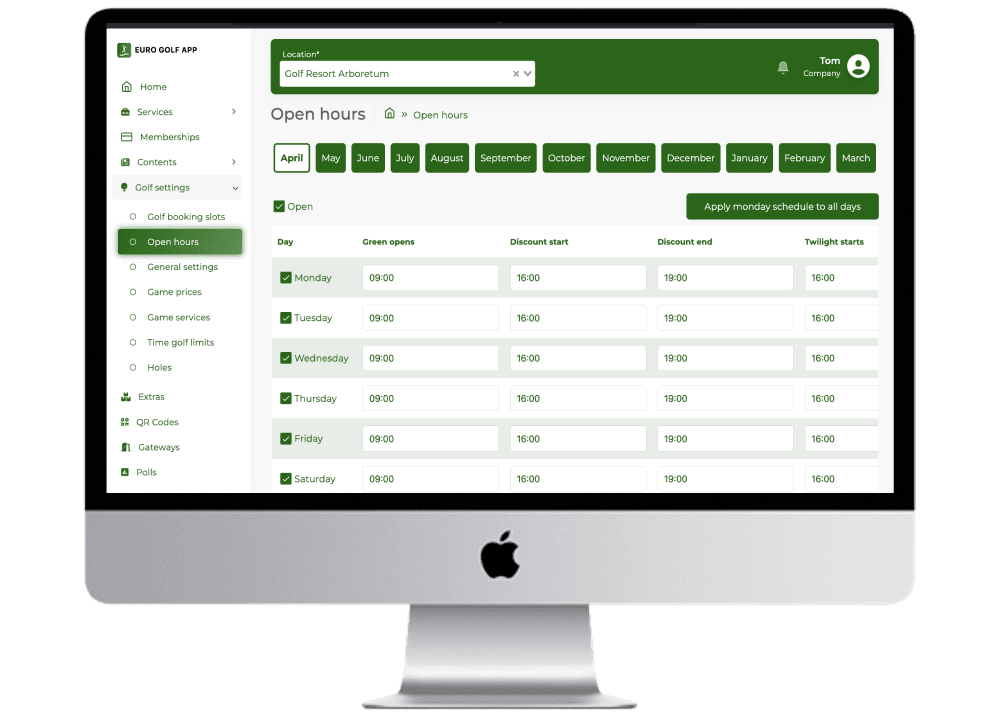
Holes, tee slots, opening hours, prices, services, staff and roles. We do this with you, not by sending you a form.
One area, one season
Pick the part that hurts most and run it alongside what you already have. Your existing booking system stays exactly where it is.
You decide what comes next
When the crew asks for the next piece, we turn it on. If they don't ask, we haven't earned it yet.
What it costs, honestly
GolfOS is priced per course, monthly, and what you pay depends on the size of the course, how many carts you run and which parts you switch on.
We would rather give you a real number on a call than a made-up one on a web page. Most courses are also cancelling one or two existing vendor contracts when they move, so the figure worth comparing is the total, not the line item.
What we will tell you on the call
- ·The monthly figure for your course, not a range
- ·What the setup costs and what is included in it
- ·Which of your current contracts this replaces
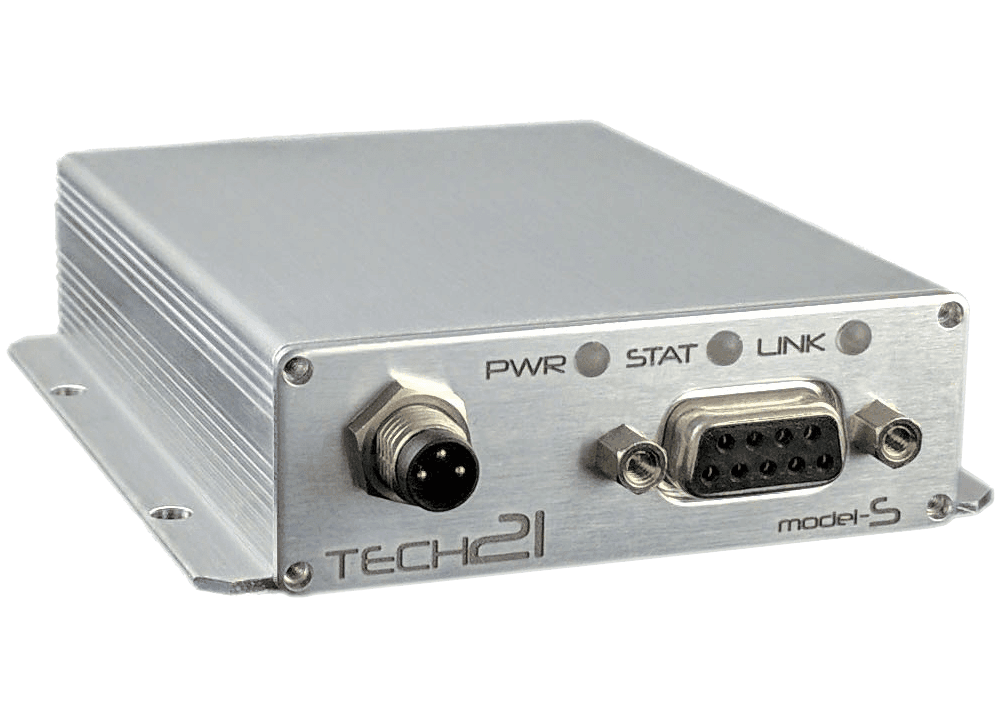
- ·What the hardware costs if you want cart tracking
- ·What happens to your data if you ever leave
It cost an hour of your time, perhaps the best-spent hour for your golf course.
The things courses ask first
Do we have to replace our booking system?
How long does it take to get running?
Setting up the course itself, meaning holes, slots, hours, prices, services and staff, takes days rather than months. Getting a crew genuinely comfortable takes a season, which is why we suggest starting strategicaly.
What if our staff aren't good with software?
This is the most common worry and it is a fair one. The crew app is built for people working outdoors with warking gloves on. We train on site, and every task arrives with the person, the equipment and the checklist already attached, so there is very little to learn.
Can we start with just the cart tracking?
What happens to our data if we stop using GolfOS?
Who is behind GolfOS?
GolfOS is built by ManagerApp, based in Ljubljana, Slovenia, and part of the Elektronček Group. We have been building operational mobile apps for years across luxirious yachts, charter fleets, hospitality industries and business associations. The golf system is the prime platform, pointed at a course operations. The crew and player app are on the App Store, Google Play and Huawei AppGallery.
See it running on your course
Book a demo and we will set it up around your holes, your tee sheet and your crew, so you are looking at your own course rather than someone else's.
30 to 40 minutes · online or on site · no preparation needed